> For the complete documentation index, see [llms.txt](https://acoservice.gitbook.io/acoservice-documentation/llms.txt). Markdown versions of documentation pages are available by appending `.md` to page URLs; this page is available as [Markdown](https://acoservice.gitbook.io/acoservice-documentation/setting-up-your-tenant/feature-flags.md).
# Feature flags
Turn site features on or off for your tenant.
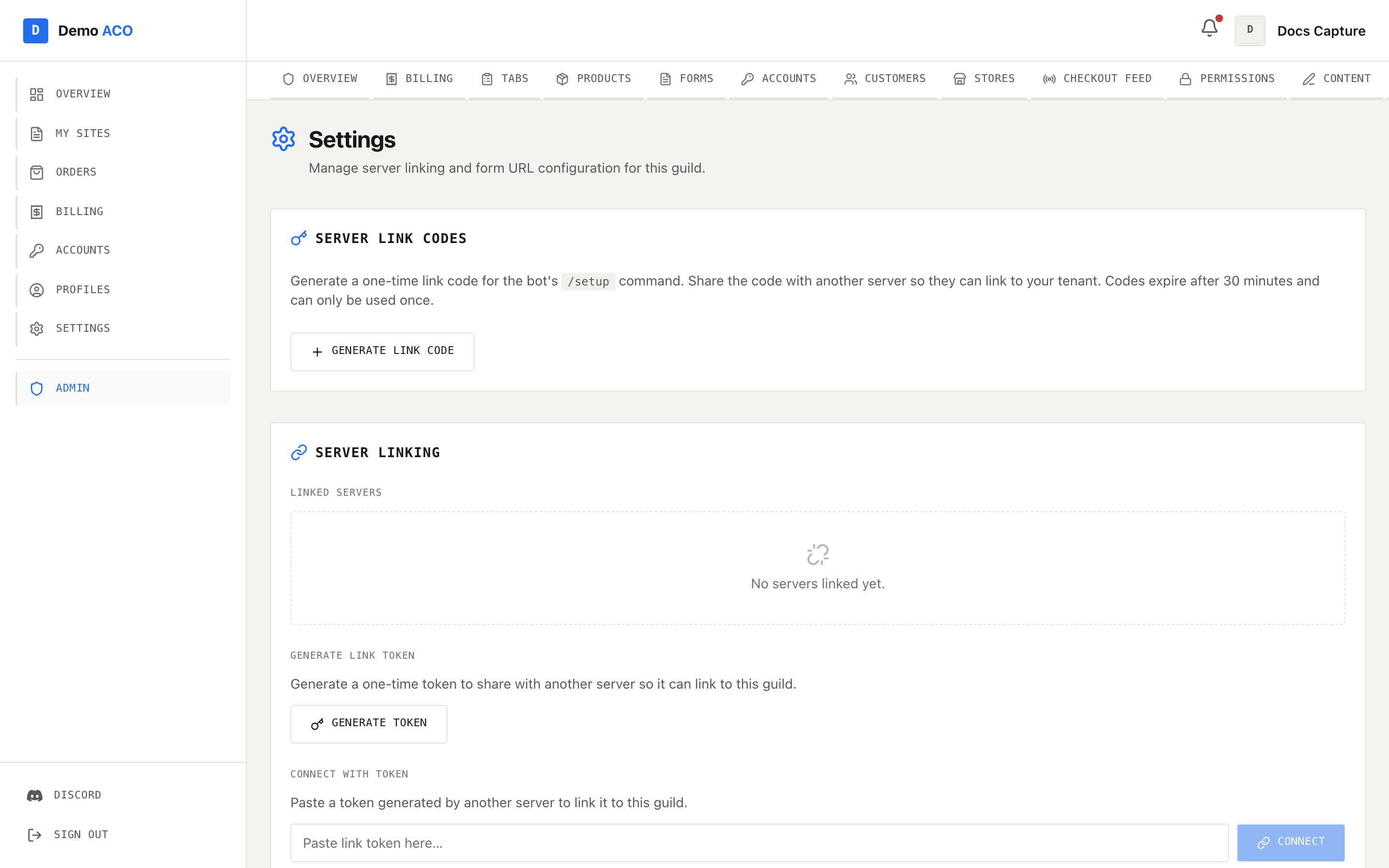
Your tenant has a set of feature flags that control which pages and capabilities are exposed to your members and admins. Toggle them in **`/admin/settings`** → **Features**.
## Available flags
| Flag | When ON | When OFF |
| ---------------------------- | ---------------------------------------------------------- | ----------------------------------------------------------------- |
| **stripe\_enabled** | Stripe pay button on invoices | Stripe option hidden; Zelle only (or invoice-only) |
| **zelle\_enabled** | Zelle claim flow on invoices | Zelle option hidden |
| **forms\_enabled** | `/forms` for members + `/admin/forms` | Forms hidden from members and from admin sidebar |
| **billing\_enabled** | `/billing` for members + `/admin/billing`, `/admin/tabs` | Members can't see invoices; auto-accumulate disabled |
| **profiles\_enabled** | `/profiles` for members | Profiles section hidden |
| **checkout\_feed\_enabled** | `/admin/feed` + the bot's feed poller | Feed poller stops; no auto-posts to feed channel |
| **sku\_management\_enabled** | `/skus` for members + `/admin/skus` | SKU page hidden; members can't curate their own pick lists |
| **tickets\_enabled** | `/ticket`, `/close` and `/support` in your Discord server | No ticket commands; an already-posted panel stops opening tickets |
| **mod\_log\_enabled** | Edited and deleted messages posted to your mod-log channel | Logging stops immediately; the configured channel is remembered |
## When to disable features
* **Forms off** — if you collect data through Discord polls / Google Forms instead.
* **Billing off** — if your group is free / hobby and doesn't bill.
* **Profiles off** — if members manage their AYCD profiles entirely outside the platform.
* **SKU management off** — if you control which SKUs are bought without member input.
* **Checkout feed off** — temporarily, e.g. while reorganizing source channels. Don't leave off in production.
The two Discord flags work the other way round — they start off, and you turn them on when you want them. See [Support tickets](/acoservice-documentation/discord-integration/tickets.md) and the [Moderation log](/acoservice-documentation/discord-integration/mod-log.md).
## Effects of disabling a feature
* The corresponding sidebar/sub-nav item disappears immediately on next page load.
* Direct URL access to disabled pages returns 404.
* Backend endpoints for disabled features still exist (if anyone has the URL) but most refuse to write data.
## Enabling features later
Toggle on, save. The feature reappears immediately. No data loss when re-enabling — disabled features still get their backing data preserved in the DB.
Feature toggles live on Admin → Settings. Turning one off hides its surface from the console and the member area.
## Defaults
When a tenant is created, every flag in the table is on **except the two Discord ones**, which start off:
| | Default |
| ----------------- | ------- |
| Everything else | **On** |
| `tickets_enabled` | **Off** |
| `mod_log_enabled` | **Off** |
{% hint style="info" %}
Those two are the exception on purpose. One codebase runs every ACO's bot, so a flag that defaulted on would have switched message logging on in every existing server the next time the bot was deployed — in servers whose owners never asked for it, and without telling their members.
Everything else defaults on because it is your own storefront, showing your own data to your own members.
{% endhint %}
There is no create-time step for this anymore. Every ACO starts with these defaults, and you flip any of them yourself afterwards in **Admin → Settings** → **Features**.
## What you can NOT toggle
Some core features are always on:
* **Sign-in.** Members can always sign in (otherwise they couldn't use the site at all).
* **Dashboard.** Even with everything else off, the dashboard stays — it just shows fewer panels.
* **Settings.** Members always have access to their own `/settings` to manage notification prefs.
Platform admin can also disable certain features at the **plan tier** level — e.g. a "starter" plan might not have access to SKU management at all. Talk to the platform admin if a flag is greyed-out for you.
## Validation
Disabling a feature does NOT validate that you've cleaned up its data:
* Disabling `forms_enabled` doesn't delete your form templates.
* Disabling `billing_enabled` doesn't pause auto-billing or refund anything.
* Disabling `profiles_enabled` doesn't delete profile data.
* Disabling `tickets_enabled` doesn't close open tickets — the channels stay, and `/close` keeps working so staff can finish them.
If you want a clean uninstall, manually clear the data first (delete forms, cancel pending invoices, etc.) then disable.
{% hint style="success" %}
**Branding section complete.** Next: [Day-to-day operations](/acoservice-documentation/day-to-day-operations/drop-day.md) — what to do during and after a drop.
{% endhint %}
---
# Agent Instructions
This documentation is published with GitBook. GitBook is the documentation platform designed so that both humans and AI agents can read, navigate, and reason over technical content effectively. Learn more at gitbook.com.
## Querying This Documentation
If you need additional information that is not directly available in this page, you can query the documentation dynamically by asking a question.
Perform an HTTP GET request on the current page URL with the `ask` query parameter, and the optional `goal` query parameter:
```
GET https://acoservice.gitbook.io/acoservice-documentation/setting-up-your-tenant/feature-flags.md?ask=&goal=
```
`ask` is the immediate question: it should be specific, self-contained, and written in natural language.
`goal` is optional and describes the broader end goal you are ultimately trying to accomplish on behalf of the user. GitBook uses it to tailor the answer towards what is most useful for that goal.
The response will contain a direct answer to the question and relevant excerpts and sources from the documentation.
Use this mechanism when the answer is not explicitly present in the current page, you need clarification or additional context, or you want to retrieve related documentation sections.