> For the complete documentation index, see [llms.txt](https://acoservice.gitbook.io/acoservice-documentation/llms.txt). Markdown versions of documentation pages are available by appending `.md` to page URLs; this page is available as [Markdown](https://acoservice.gitbook.io/acoservice-documentation/for-tenant-admins/skus.md).

# SKU management

Control which members can edit their target SKU list, and see what each member is actually targeting.

A **target SKU** is a specific product a member wants you to try to check out — a particular Pokémon set, a console bundle, one line item in a retailer's catalogue. Every member keeps a list of them on their SKUs page, drawn from the master product catalogue the platform maintains. When a drop happens, that list is what tells you who wanted what.

This page does not edit the catalogue. It does two things: decides **who is allowed to change their own list**, and shows you **what everyone has picked**.

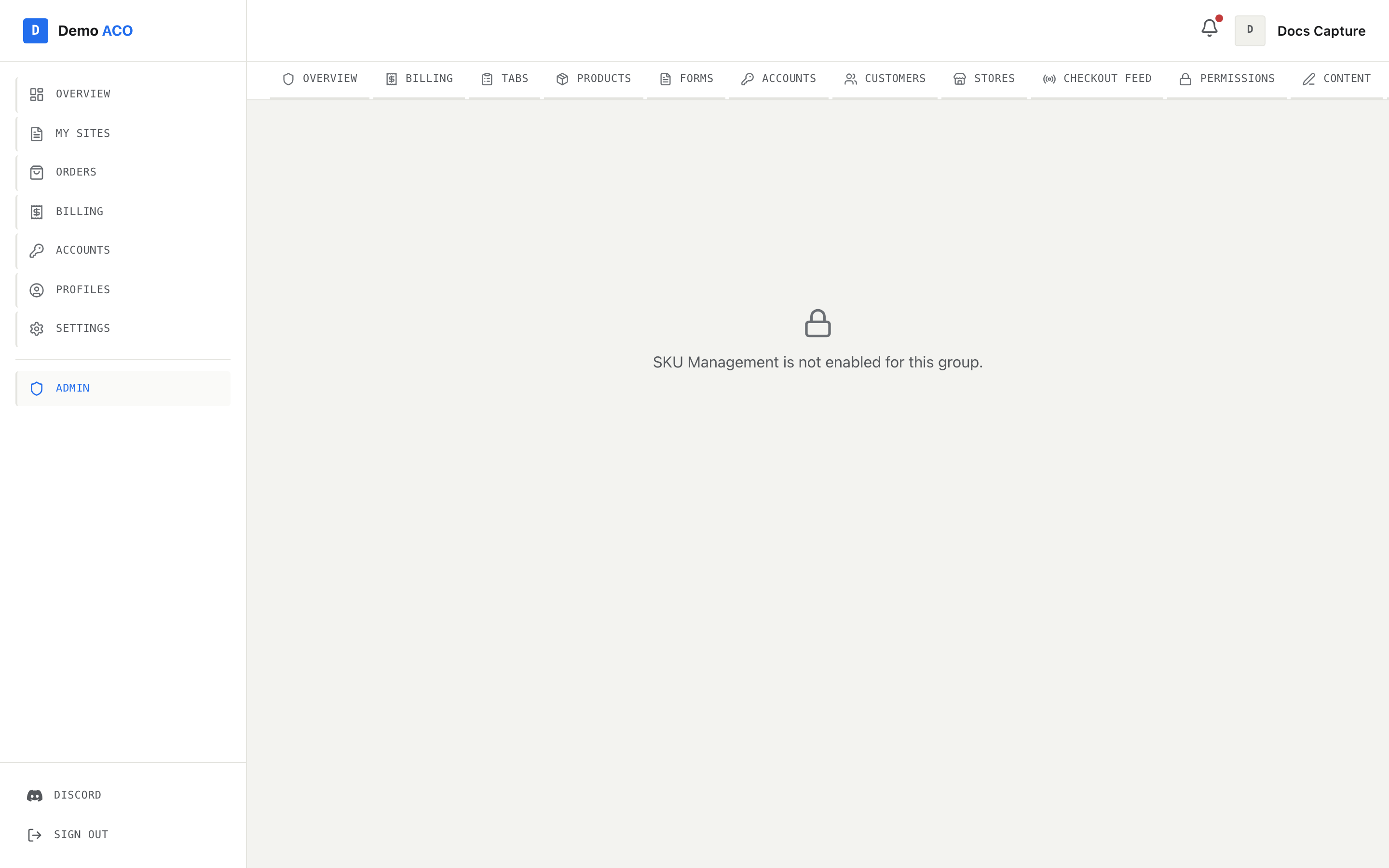
It sits behind the `sku_management_enabled` feature flag.

<figure><img src="https://619092889-files.gitbook.io/~/files/v0/b/gitbook-x-prod.appspot.com/o/spaces%2FYF2YIy2qTYyy9j61lr0Y%2Fuploads%2Fgit-blob-6687039724529d6b251f4d00ec922bfe9deaeeac%2Fskus.png?alt=media" alt="The SKU Management route showing a lock icon and the message that the feature is not enabled"><figcaption><p>With the feature flag off, the route still exists but fails closed like this. Hiding the nav link is not enough on its own, so the page checks the flag too.</p></figcaption></figure>

## Where the SKUs come from

The product catalogue is platform-level: sets, groups, types and individual products each with a SKU and a live status. Your members browse it on their own SKUs page and tick the products they want on their list. See [Target SKUs](/acoservice-documentation/for-platform-operators/skus.md) for how the catalogue itself is maintained.

That means a member's list is a *selection*, not a creation. If a product is not in the catalogue, a member cannot add it — they can only request it, which brings us to locking.

## Edit permissions

The first tab, **Edit Permissions**, holds one global toggle and one row per member.

### Default locked members to master SKUs

The toggle at the top decides what a locked member sees:

| Toggle | What a locked member's list shows                                                                     |
| ------ | ----------------------------------------------------------------------------------------------------- |
| On     | Every product in the master catalogue that is not hidden, as their SKU list                           |
| Off    | Whatever they had saved, read-only — or the catalogue's default products if they never saved anything |

On is the right choice when your group runs everything as one list and individual selection is noise. Off is right when members have curated lists you want frozen rather than replaced. The setting applies to every locked member at once, and saving it shows a toast confirming which behaviour is now in effect.

### Per-member lock

Below the toggle is the member list. Each row shows the member's avatar, display name, and either their Discord tag or their raw Discord ID. A badge reads **Not signed in** for members who exist in your group but have never signed in to your site.

The right-hand side shows the current state — **Can Edit** with an open padlock, or **Locked** with a closed one — and a toggle to flip it. Locked members get a read-only view of their SKU list and one remaining action: **Request to Add**.

The list is built by merging the members your bot knows about with the users who have signed in to your site, so it covers both. Locking someone who has never signed in still works: the decision is recorded against their Discord ID and applied the moment they first sign in.

If nothing loads, the empty state reads "No members found. Add members in the Members tab first."

## What happens to a request

When a locked member presses **Request to Add** on a product, the request goes to Discord. Your bot posts a **New SKU Request** embed — the product name, the SKU, and a mention of the member — into the same channel form submissions land in.

{% hint style="warning" %}
There is no request queue in the admin console. If your server has no form-log channel configured, the request is recorded but nothing is announced anywhere, and nobody will see it. Configure the channel before you lock anybody.
{% endhint %}

The member's own view marks the product **Request Sent** so they do not ask twice.

## Member lists

The second tab, **Member Lists**, is the read side. Every member who has customised their list appears as a collapsed row with their name, Discord tag and a badge counting their SKUs. Expand a row and the products are grouped by catalogue group, then by type.

Each SKU renders as a chip coloured by its live status:

| Colour | Status                           |
| ------ | -------------------------------- |
| Green  | Live                             |
| Red    | Not Live                         |
| Grey   | Anything else, including unknown |

Hover a chip to see the full product name. Each type has a **Copy SKUs** link that puts that group's SKUs on your clipboard as a comma-separated list — the format most bots and spreadsheets want.

If nobody has picked anything yet, the tab reads "No members have customized their SKU lists yet." Members who never touched their list do not appear here at all, which is worth remembering before you conclude someone is not targeting anything.

## Related

* [Target SKUs](/acoservice-documentation/for-platform-operators/skus.md) — the master catalogue these selections are drawn from.
* [Products and pricing](/acoservice-documentation/for-tenant-admins/products.md) — what you charge for the items you land.


---

# Agent Instructions
This documentation is published with GitBook. GitBook is the documentation platform designed so that both humans and AI agents can read, navigate, and reason over technical content effectively. Learn more at gitbook.com.

## Querying This Documentation
If you need additional information that is not directly available in this page, you can query the documentation dynamically by asking a question.

Perform an HTTP GET request on the current page URL with the `ask` query parameter, and the optional `goal` query parameter:

```
GET https://acoservice.gitbook.io/acoservice-documentation/for-tenant-admins/skus.md?ask=<question>&goal=<endgoal>
```

`ask` is the immediate question: it should be specific, self-contained, and written in natural language.
`goal` is optional and describes the broader end goal you are ultimately trying to accomplish on behalf of the user. GitBook uses it to tailor the answer towards what is most useful for that goal.

The response will contain a direct answer to the question and relevant excerpts and sources from the documentation.

Use this mechanism when the answer is not explicitly present in the current page, you need clarification or additional context, or you want to retrieve related documentation sections.
