> For the complete documentation index, see [llms.txt](https://acoservice.gitbook.io/acoservice-documentation/llms.txt). Markdown versions of documentation pages are available by appending `.md` to page URLs; this page is available as [Markdown](https://acoservice.gitbook.io/acoservice-documentation/day-to-day-operations/pre-drop-checklist.md).

# Pre-drop checklist

The things you can actually verify on your site before a drop, and where each one lives.

A drop goes wrong in a small number of predictable ways: nobody is priced, the feed is pointed at the wrong channel, or the bot that is supposed to catch the checkouts is not running. All three are checkable in advance. Work through this list on your site before the window opens.

## The seven checks

| # | Check                                 | Where                    | What "ready" looks like                                              |
| - | ------------------------------------- | ------------------------ | -------------------------------------------------------------------- |
| 1 | Bot is online                         | Your Discord server      | The bot answers `/help`                                              |
| 2 | Feed is enabled and pointed somewhere | `/admin/feed`            | **Enabled** badge, an Output Channel ID, at least one source channel |
| 3 | Feed can actually read the sources    | Feed preview (see below) | Every source `visible`, `parsed` > 0                                 |
| 4 | Products exist and are priced         | `/admin/products`        | Every SKU you expect is listed with a non-zero Unit Price            |
| 5 | Customers are mapped                  | `/admin/customers`       | Health banner is green                                               |
| 6 | Members have site access              | `/admin/accounts`        | Members have an active account for the store                         |
| 7 | Payment method and due terms          | `/admin/billing`         | Stripe or Zelle on, Default Due Days set                             |

## 1. The bot is online

Type `/help` in your server. If you get a reply, the bot is connected and its commands are registered.

If there is no bot in your member list at all, or commands return nothing, stop and read [The bot is offline or missing](/acoservice-documentation/troubleshooting/bot-unresponsive.md) before anything else. Nothing on this page matters if no bot is running — the feed poller, the DMs and the tab entries are all work the bot does.

{% hint style="warning" %}
Your group's Discord application carries three credentials, and the bot needs all three. Client ID and Client Secret authenticate member **sign-in**; the **bot token** (Developer Portal → Bot tab, not the OAuth2 tab) is what a bot process logs into Discord with. If only the first two were ever supplied, your site works perfectly and your Discord server has no working bot at all. This is the single most common onboarding failure.
{% endhint %}

## 2. Feed status

Open **`/admin/feed`**.

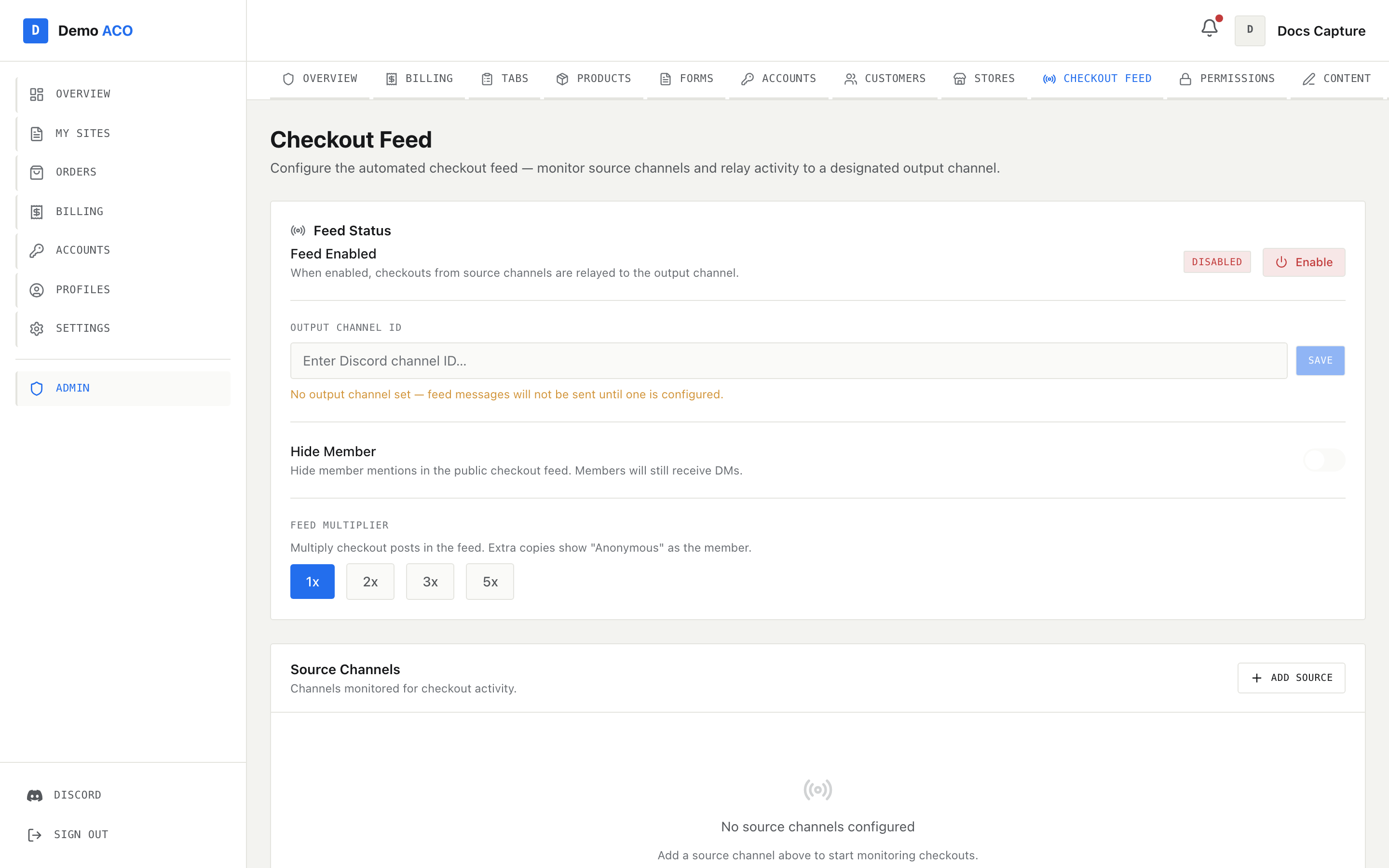
<figure><img src="https://619092889-files.gitbook.io/~/files/v0/b/gitbook-x-prod.appspot.com/o/spaces%2FYF2YIy2qTYyy9j61lr0Y%2Fuploads%2Fgit-blob-1c32d97e542d5e2362e43ff9f3edc0c510990a0d%2Ffeed.png?alt=media" alt="The Checkout Feed admin page showing feed status, output channel and source channels"><figcaption><p>Feed Status carries the Enabled/Disabled badge and the output channel; Source Channels lists every channel the bot polls, with the last message ID it has processed.</p></figcaption></figure>

Confirm:

* The badge next to **Feed Enabled** reads **Enabled**. If it reads Disabled, press **Enable**.
* **Output Channel ID** is filled in. If it is blank the page tells you plainly: *"No output channel set — feed messages will not be sent until one is configured."*
* **Source Channels** lists every channel your checkout bots post into. An empty list shows *"No source channels configured"* and means the poller has nothing to read.
* **Feed Multiplier** is what you intend. Anything above `1x` posts extra copies of each success, with "Anonymous" in place of the member.
* **Hide Member** is what you intend. On, member mentions are hidden from the public feed — members still get their DMs.

If the whole page reads *"Checkout Feed is not enabled for this group"*, the feature is switched off for your tenant and only a platform operator can turn it on.

## 3. Feed preview — the dry run

The bot exposes a preview that replays the pipeline against the most recent messages in each source channel **without** writing anything, without advancing the feed's position, and without sending a single post or DM. It is the only check that proves the feed will fire.

```
GET /api/guilds/<guild-id>/checkout-feed/preview?limit=20
```

For each source channel it returns `visible`, `messages_seen`, `parsed`, `skipped`, `unknown_format`, a `by_status` tally, up to three parsed `samples`, and the bot's `permissions` (`view`, `read_history`). For the output channel it returns `view`, `send` and `embed_links`.

Read it like this:

| Symptom in the preview                               | What it means                                                                                                              |
| ---------------------------------------------------- | -------------------------------------------------------------------------------------------------------------------------- |
| `visible: false`                                     | The bot cannot see the channel at all — wrong guild, or no View Channel                                                    |
| `"Bot lacks Read Message History"`                   | Grant Read Message History on that channel                                                                                 |
| `messages_seen: 0`                                   | Nothing has been posted there recently; you may be watching a dead channel                                                 |
| `parsed: 0` with messages seen                       | Nothing in that channel looks like a checkout to the parser                                                                |
| `unknown_format` > 0                                 | Those embeds come from a checkout bot the parser has no field map for — nothing from them will be booked, DM'd or recorded |
| Output channel `send: false` or `embed_links: false` | The feed will parse everything and be unable to post it                                                                    |

A `503` means the bot is not connected to Discord — back to check 1.

## 4. Products and prices

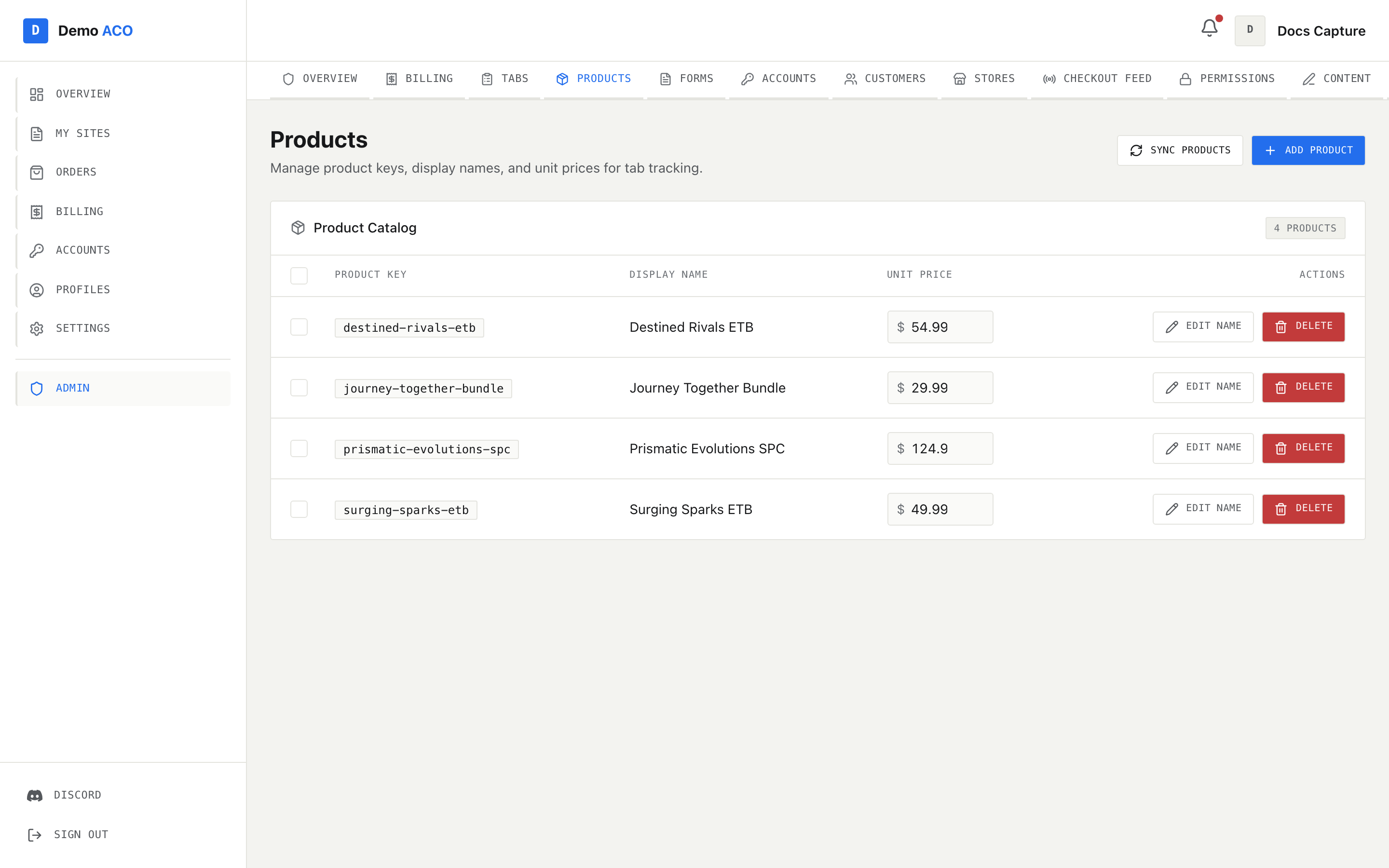
Open **`/admin/products`**. The table lists **Product Key**, **Display Name**, **Unit Price** and **Actions**. Price is editable in place: type, then press Enter or click away.

<figure><img src="https://619092889-files.gitbook.io/~/files/v0/b/gitbook-x-prod.appspot.com/o/spaces%2FYF2YIy2qTYyy9j61lr0Y%2Fuploads%2Fgit-blob-c2b10ce3a8b5128fd958b6efff17cc8c1377a616%2Fproducts.png?alt=media" alt="The Products admin page with the product catalog table and inline price fields"><figcaption><p>Unit Price is always editable in place. A tick flashes when the new price is saved.</p></figcaption></figure>

Why this matters on drop day: when the feed books a checkout to a tab, it looks the product up by name and stamps the price it finds **at that moment**. No product, or a product priced at zero, produces a tab line worth nothing, and the member's ticket message says *"awaiting price"*. Fixing the price afterwards does not repair entries already written — you have to edit those entries too.

If **Possible duplicates** is showing, expand it. Two spellings of the same product mean two prices and two rows on every tab. Choose the row to **Keep** and press **Merge** — existing tab entries and checkout events are rewritten to the canonical name.

## 5. Customers are mapped

Open **`/admin/customers`**. The health banner at the top is the whole check.

Green — *"All recent checkouts matched a customer"* — means every checkout in the last 7 days resolved to somebody.

Amber tells you how many checkouts could not be matched and, in the second line, the part that costs you: *"those people aren't getting DMs."* An unmatched checkout is still recorded and still posted to the feed; it just is not attached to anyone, so no DM is sent and no tab line is created. Clear what you can before the drop; whatever you leave can be matched retroactively afterwards (see [After the drop](/acoservice-documentation/day-to-day-operations/after-the-drop.md)).

## 6. Site access

A member's access to a site is granted automatically the moment they submit that site's form or an admin assigns them an account for that store. Members see the result on their dashboard under **Your sites**, with the status tag and, where the grant is time-boxed, a "N days left" bar.

There is no admin page that lists grants directly. The practical check is **`/admin/accounts`**: filter by the store you are dropping and confirm the members you expect have an **active** account. Anyone with an active account for that store has access.

Time limits are optional — most grants never expire. Where one does exist, an expired grant is derived at read time, so a member whose window closed overnight will simply see the site marked expired.

## 7. Payment method and terms

Open **`/admin/billing`** and confirm the Billing Configuration section:

* At least one of **Stripe** or **Zelle** is toggled on. With neither, members see *"No payment methods configured. Contact your admin."* on their billing page.
* **Zelle Phone** and **Zelle Name** are filled in if Zelle is on — they are what members are told to pay.
* **Default Due Days** and **Reminder Days** are set. Reminders only fire for tabs that have a due date.
* **Auto-Billing** is on or off deliberately, and **Auto-Bill Day of Month** is the day you mean.

If this section refuses to render and shows an error instead, the page could not read your current configuration. Do not work around it — the page hides the form on purpose, because saving a defaulted form would overwrite your live settings.

{% hint style="info" %}
Whether checkouts become tab charges at all is governed by a separate stored setting, **Auto-Accumulate**, which the admin console does not expose. Run `/billing config` in Discord to see its current state. With it disabled, the feed still posts and members still get DMs, but nothing lands on anyone's tab.
{% endhint %}

## Optional: freeze SKU lists

If you use member SKU lists, `/admin/skus` → **Edit Permissions** lets you lock individual members out of editing their list. Locked members get a read-only view. Do this before the window if you do not want lists changing under you mid-drop.

***

Next: [Drop day playbook](/acoservice-documentation/day-to-day-operations/drop-day.md).


---

# Agent Instructions
This documentation is published with GitBook. GitBook is the documentation platform designed so that both humans and AI agents can read, navigate, and reason over technical content effectively. Learn more at gitbook.com.

## Querying This Documentation
If you need additional information that is not directly available in this page, you can query the documentation dynamically by asking a question.

Perform an HTTP GET request on the current page URL with the `ask` query parameter, and the optional `goal` query parameter:

```
GET https://acoservice.gitbook.io/acoservice-documentation/day-to-day-operations/pre-drop-checklist.md?ask=<question>&goal=<endgoal>
```

`ask` is the immediate question: it should be specific, self-contained, and written in natural language.
`goal` is optional and describes the broader end goal you are ultimately trying to accomplish on behalf of the user. GitBook uses it to tailor the answer towards what is most useful for that goal.

The response will contain a direct answer to the question and relevant excerpts and sources from the documentation.

Use this mechanism when the answer is not explicitly present in the current page, you need clarification or additional context, or you want to retrieve related documentation sections.